

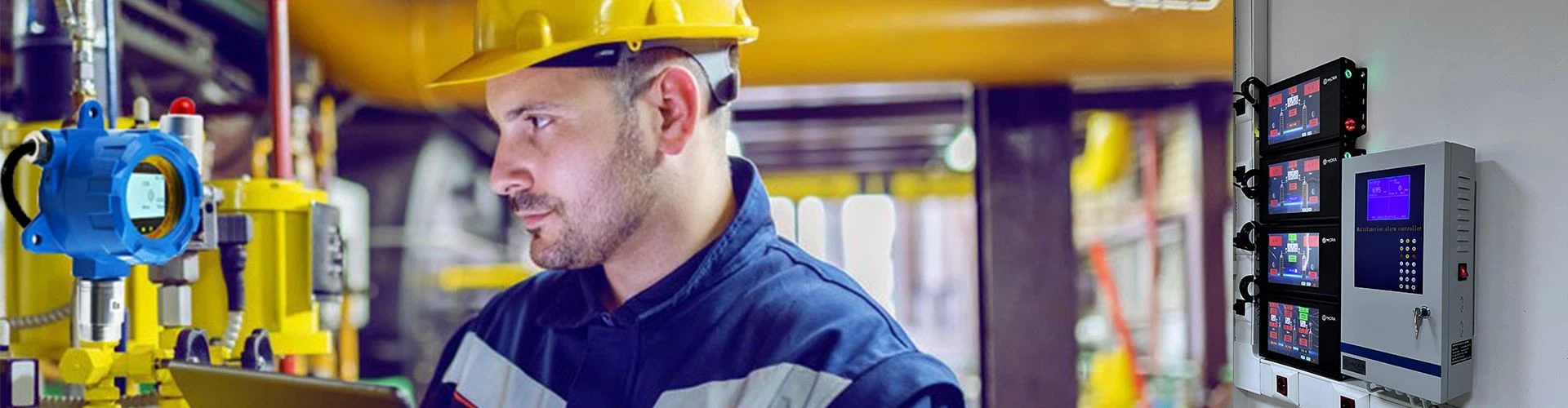


The single-channel gas detection and alarm system is a 4-20mA transmitter signal acquisition intelligent controllable system developed by our company. This system is mainly used in occasions that need to detect combustible or various toxic gases.

If the user needs to detect other gases, the user needs to change the gas parameters detected by the control cabinet.
First press the setting button on the control cabinet. At this time, four 0 cursors will appear on the screen. Use the up and down keys and the setting keys to change the four 0s to four 1s, and then press the OK button.
After confirming, the word C-01 will appear on the screen. C-01 means channel 1. After pressing OK to enter C-01, there will be six options from F-01 to F-06. The user will select these six options according to the table below. Just adjust the options to the gas value you want to set, let’s take combustible gas as an example.
Take combustible gas as an example, after going to the F-01 interface, press OK to enter F-01, change the current displayed value to 0025, and then press OK;
After success, enter F-02, change the current displayed value to 0050 and press OK;
Enter F-03, change the currently displayed value to 0100 and press OK;
Enter F-04, change the currently displayed value to 1 and press OK;
Enter F-05, F-05 has three options, P stands for ppm, L stands for LEL, V stands for vol, select L for combustible gas.
Enter F-06 and change the value to 0.
After all the above settings are completed, you can press exit to return to the main interface. At this time, the control cabinet has set the channel 1 to the parameters of combustible gas. At this time, the combustible gas transmitter can be connected and the detection can be carried out normally.
If any question,just contact us.(emily@huafankj.com)